Singles + Doubles
Build the format your room runs, with reusable players and flexible starting chips.

Good Tourney Web · Director pilot
Run Singles and Doubles chip tournaments in your browser. Manage players and tables, record results, and share a Live Link with spectators—from your phone, tablet, or computer.
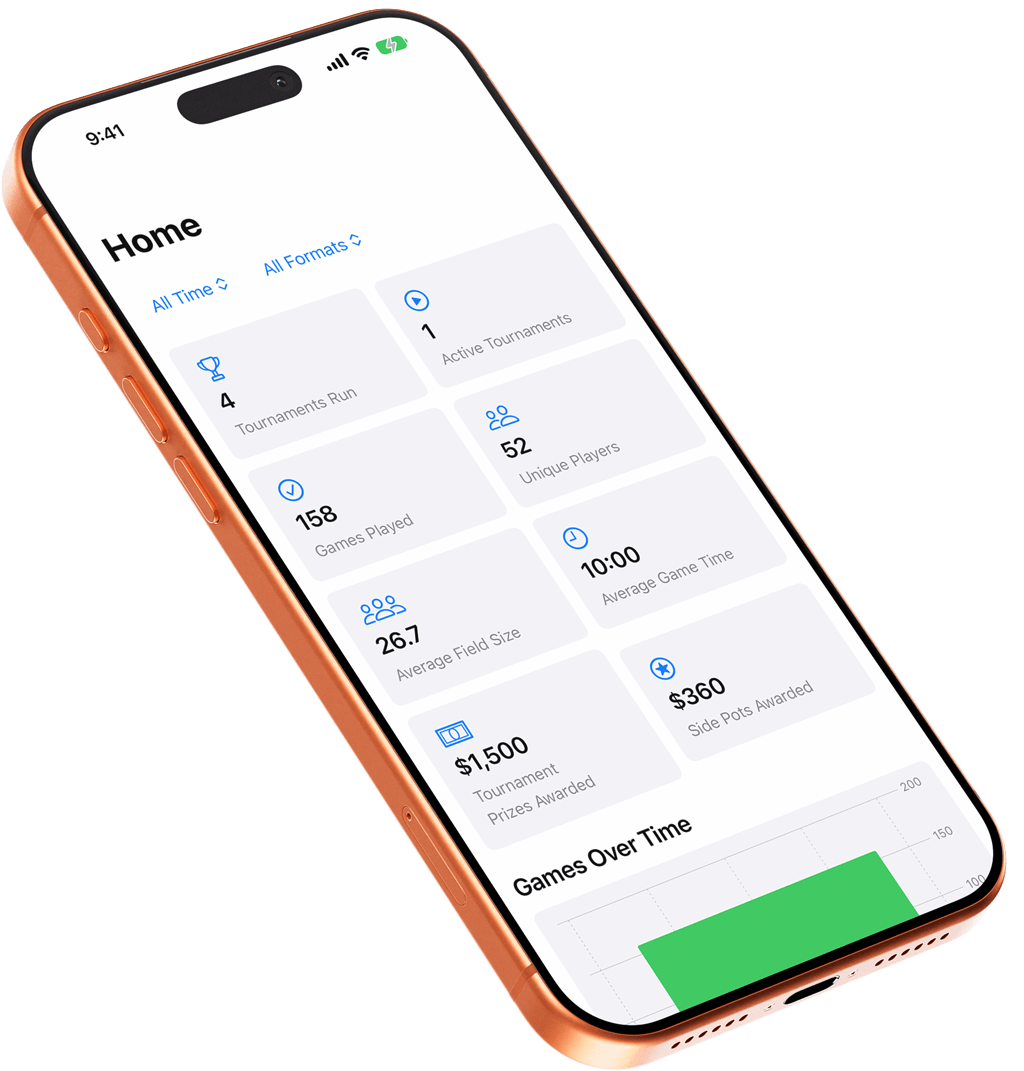
Director access is by invitation. Sign in with your own email address—no ChatGPT login required. Native app imagery shown; web appearance may differ.
How it works
Good Tourney keeps the practical work visible and the software out of the way.
Add players and tables, choose Singles or Doubles, assign chips, registration, payouts, and side pots.
Record winners, watch active tables, manage Up Next, correct mistakes, and keep play moving.
Open your web account in another browser to follow results or take over editing after the current device finishes syncing.
Share a Live Link so spectators can follow active tables, Up Next, and final results in their browser.
The web director on your own devices
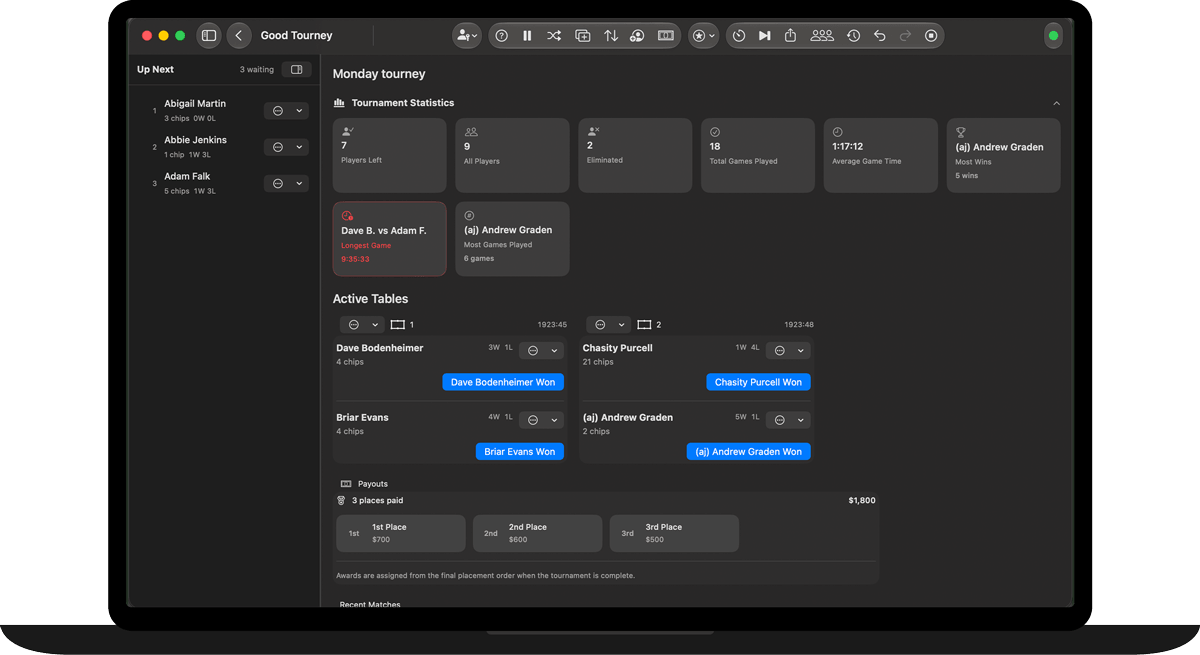
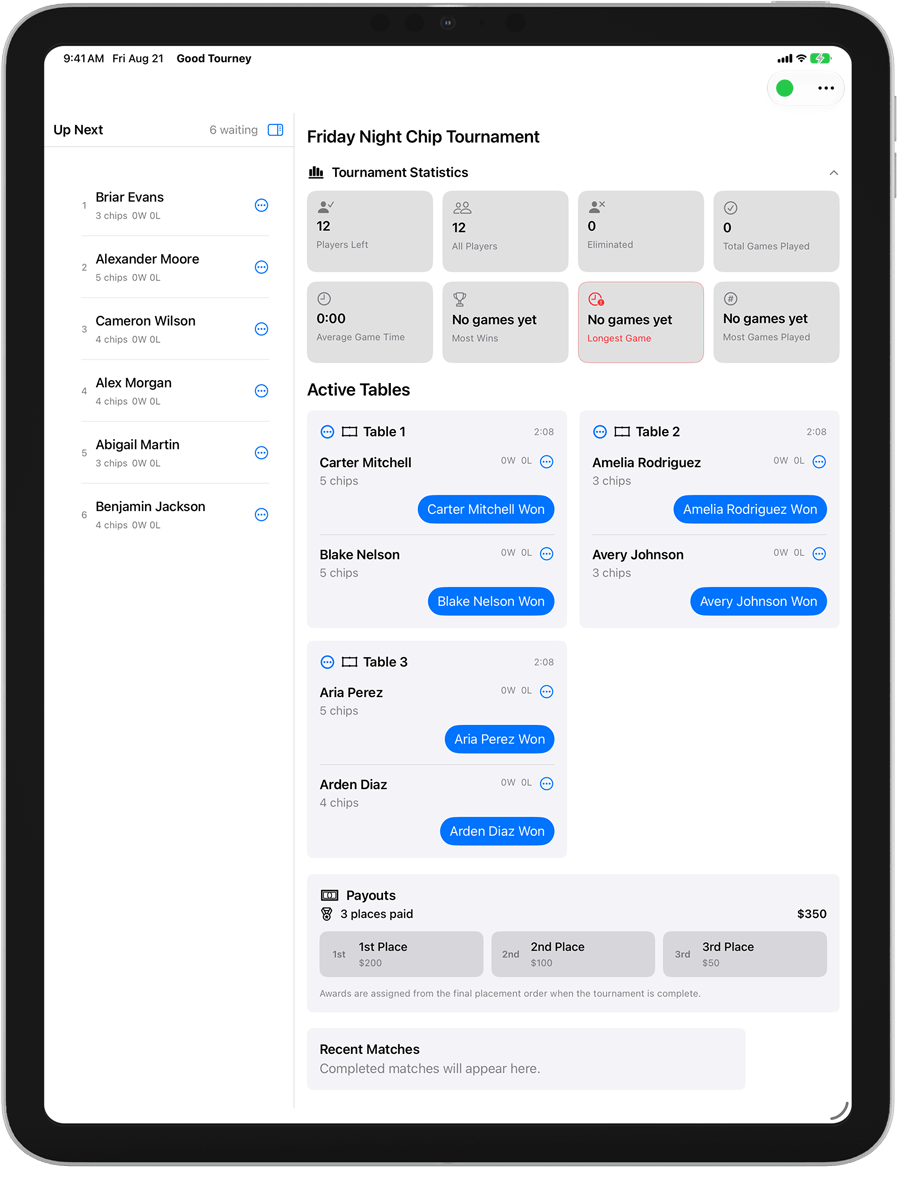
Use a phone browser between tables or a tablet or computer at the desk. The web pilot has its own sign-in and tournament records. The native app screens shown here illustrate Good Tourney; installed Apple apps use a separate sync system.
Built for chip tournaments
Build the format your room runs, with reusable players and flexible starting chips.
See active tables, match times, results, and the complete Up Next order in one focused workspace.
Track entries, buybacks, awards, and side pots alongside the tournament.
Review completed events and export PDF, CSV, backups, or a user-reviewed Singles results file.
Native app reference
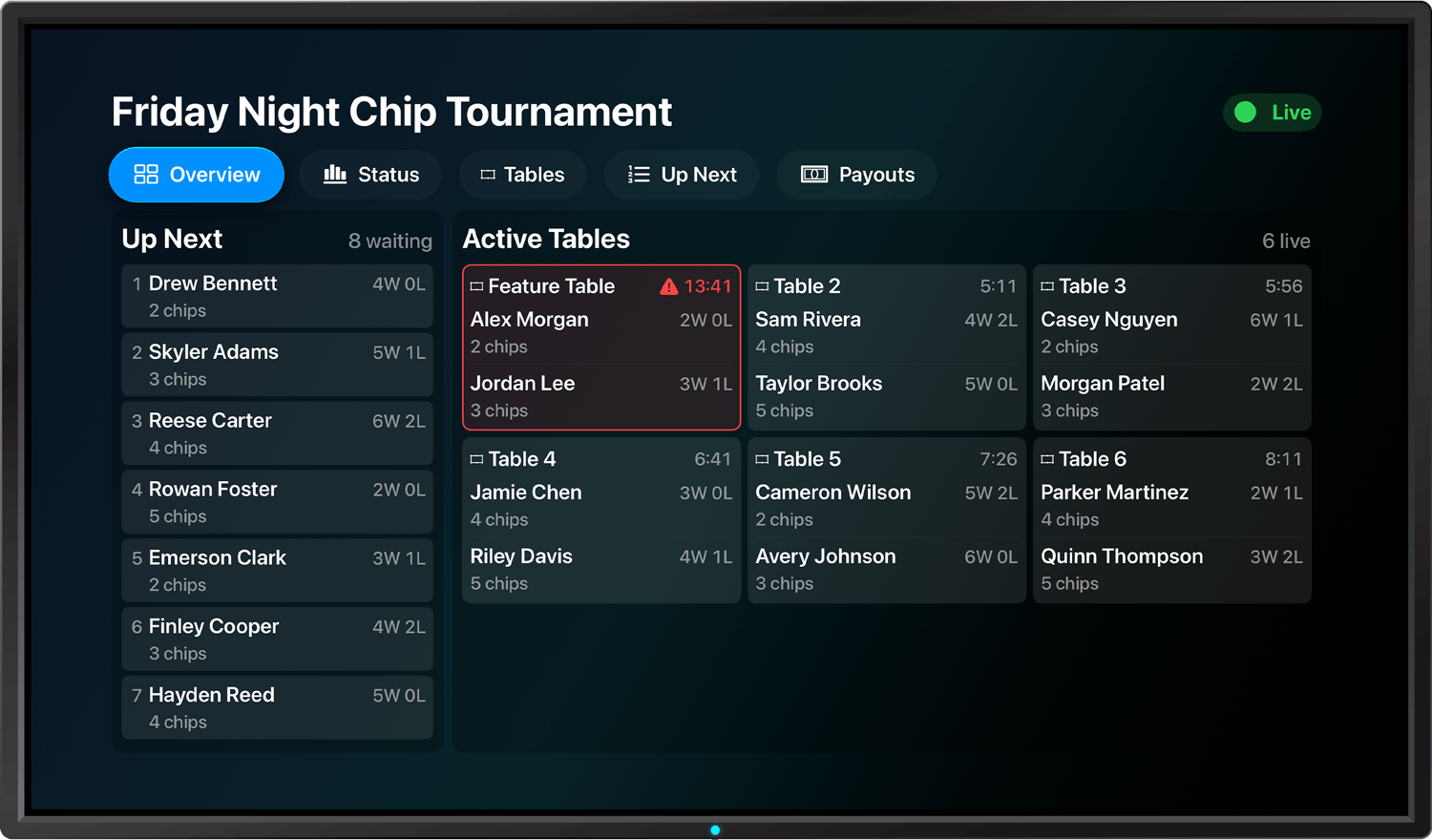
The Apple TV screen shown here belongs to the native app experience. For this web pilot, share the tournament’s Live Link and open it in a browser so spectators can follow play without director controls.
Offline first. Private by design.
Tournament work is saved on the director’s device first. Account-scoped cloud records synchronize the private tournament when a connection is available; Live Link receives only the separate fields a director chooses to publish.
Keep using the editing device during an outage. When you reconnect, check the sync status before switching devices. If versions conflict, review the recovery choices before continuing.
Web pilot access
Invited directors use their own verified email address and can sign in with a password or a secure email link. Public signup and web checkout are not open yet.
Web pilot access is separate from native app purchases. Wider launch pricing and subscription terms will be confirmed before web checkout opens.
Good to know
Yes. Open your tournament while online first. The editing device keeps a local copy so you can continue when the connection drops and sync when it returns. Sign-in and loading a tournament on a new device need internet.
Use the web director in a browser on iPhone, iPad, Mac, or PC. The installed iOS and Mac apps are separate; their CloudKit tournaments do not automatically sync with this web account.
Yes. Sign in to your web account on each browser. One device edits at a time; other devices show read-only results and check for updates while online. Let changes finish syncing before using Take Over Editing on another device.
Yes. Good Tourney supports Singles and two-player Doubles chip tournaments.
Director access is by invitation. Open your invitation using the email address it was sent to, then create a password in Settings if you prefer. You do not need a ChatGPT account. Contact support if you need help getting access.
For completed Singles events, download the Fargo results file, review it, and send it to the recipient shown on the export page. If you use your own email service, attach the downloaded .xls file yourself. Preparing an email does not send the results.
Already use Good Tourney Web?
Support can prepare eligible players and past tournaments from your old web account for review. Once a migration is ready for your invited account, review and confirm it in Settings. Records that need review are kept aside; signing in alone does not import your old data.
Explore the public Live Link sample